
- 24/7 instant access to product sheets:
- Technical Data Sheets
- Safety Data Sheets
- Website for DigiPack:
- Website for DigiPack:
- Enter your email address
- Enter your password
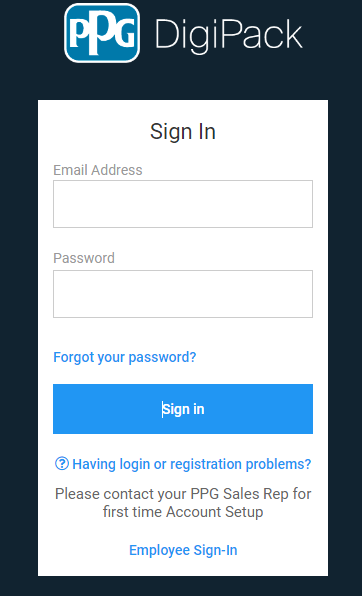
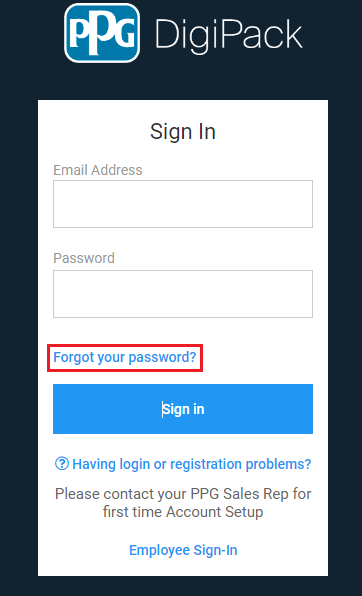
If you have forgotten your password select “Forgot your password” This option is on the bottom of the main log in page.
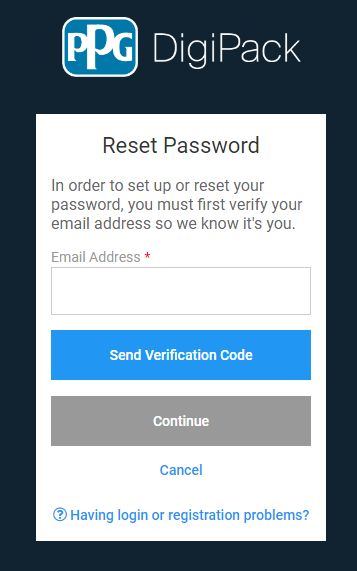
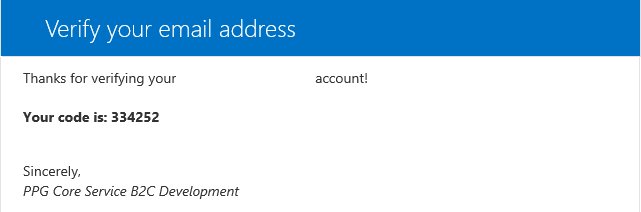
Enter your email address and hit “Send Verification Code” This will send a verification code that will allow you to reset your password
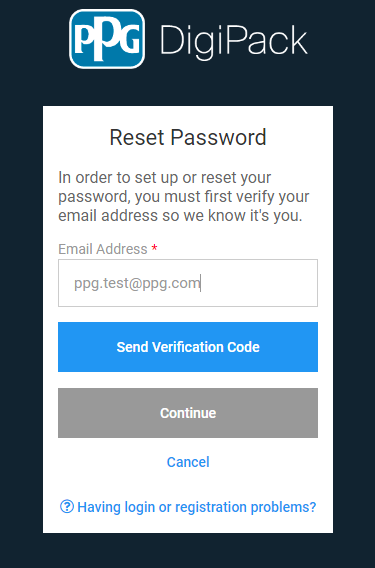
Example of what the email will look like that you will be sent
-
Reach out to your PPG sales rep for help
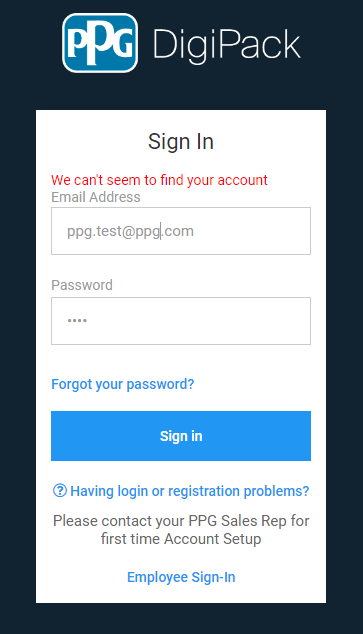
We apologize for any inconvenience you are having with our PPG DigiPack website. We strive for quality and are constantly making improvements to our site. Please try the troubleshooting steps below or contact your PPG Sales team to report the issue.
-
Step 1: Please navigate directly tohttps://packaging.ppg.com/in your browser window.
Please use a supported browser. We have tested the system with the following browsers: Microsoft Edge, Google Chrome, Microsoft Internet Explorer, and phone browsers including iPhone Safari and Google Chrome. Do not use a bookmark or another link.
If you have been set up with access but receive an error message, please click on the 'Click here to try again' link in blue below the error message to try again.
-
2: Delete your cache: Within your browser window, press Ctrl + Shift + Delete keys at the same time.
A window will pop up to 'Clear browsing data'. Make sure the check box options next to Cookies and Cache are selected, then click the Clear button at the bottom. Once complete, close out of all browser windows, open the browser, and try following Step 1 again.
-
Step 3: Try in another browser and on your phone: To help with troubleshooting, we recommend trying Step 1 again in Microsoft Edge, Google Chrome, and/or your phone if possible.